Free
$0
- Full recovery features
- First-character preview
- Unlock via ads (~1 min)
ZIP Password Remover helps you recover forgotten passwords for ZIP, 7z, RAR, Office and PDF — all processing runs on your device.
Get on Google Play
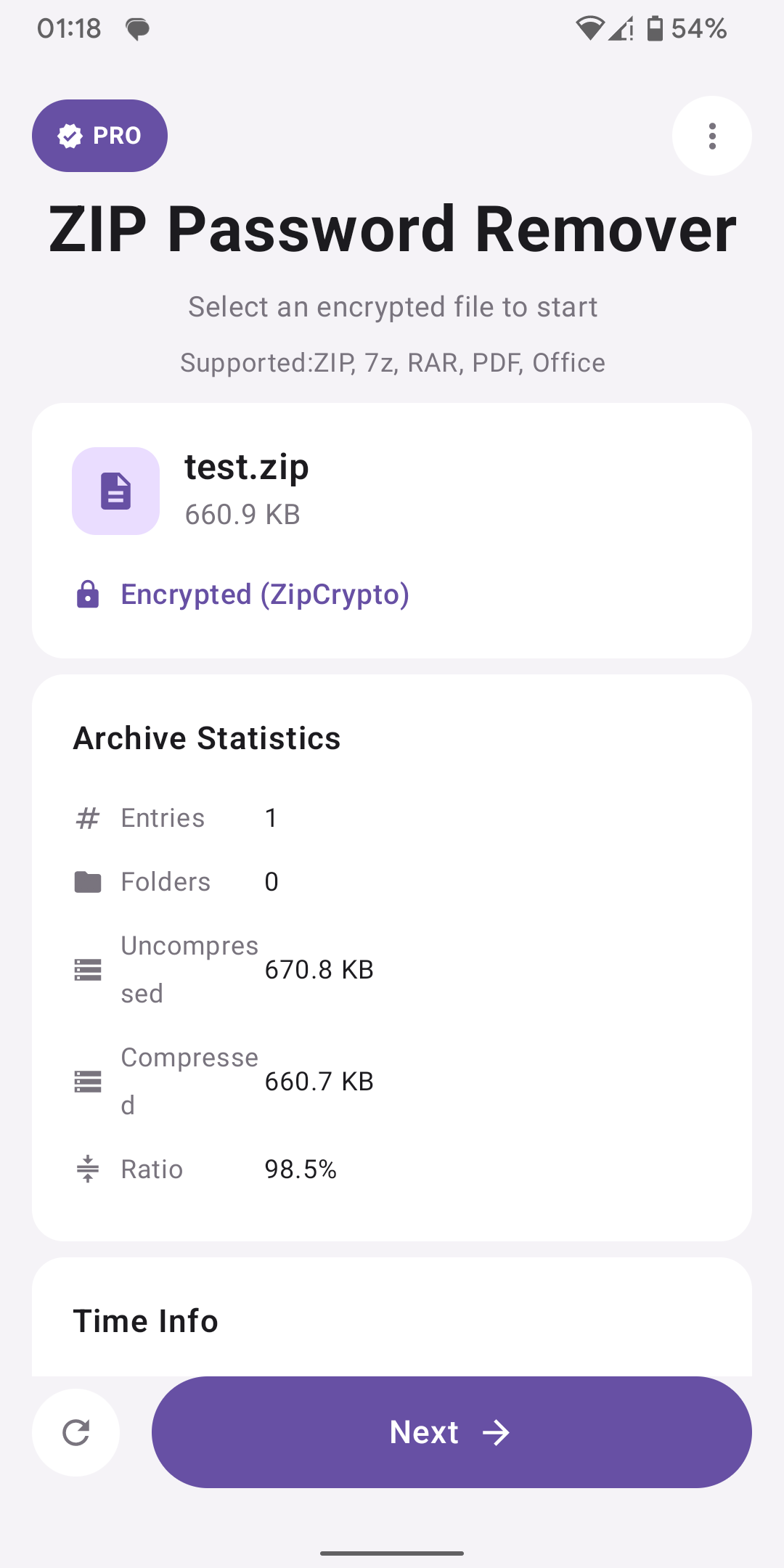
Instantly view MD5, SHA-256, encryption type, and archive stats before recovery starts.
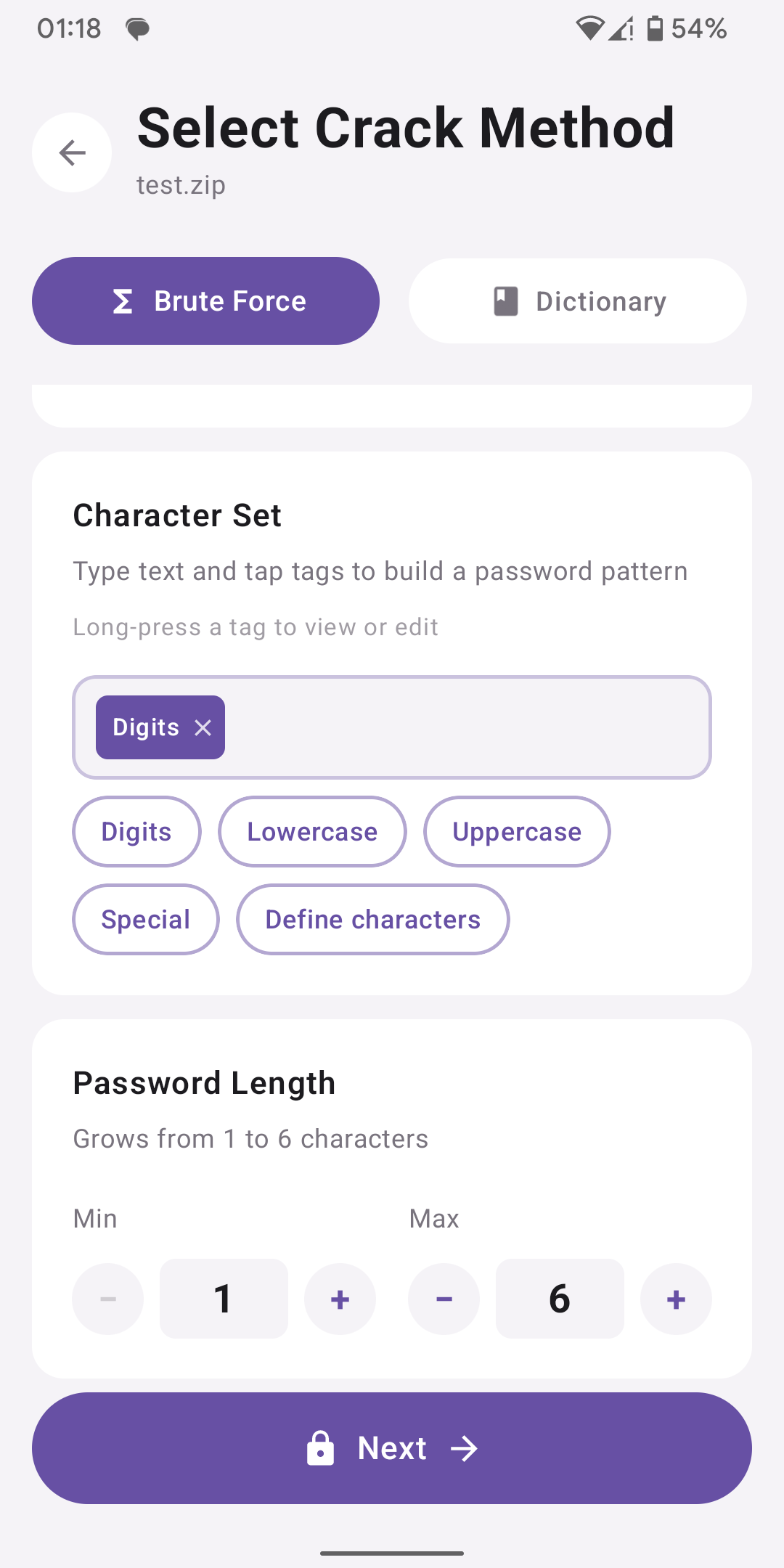
Load a wordlist for quick matching, or set a custom charset with automatic length growth.
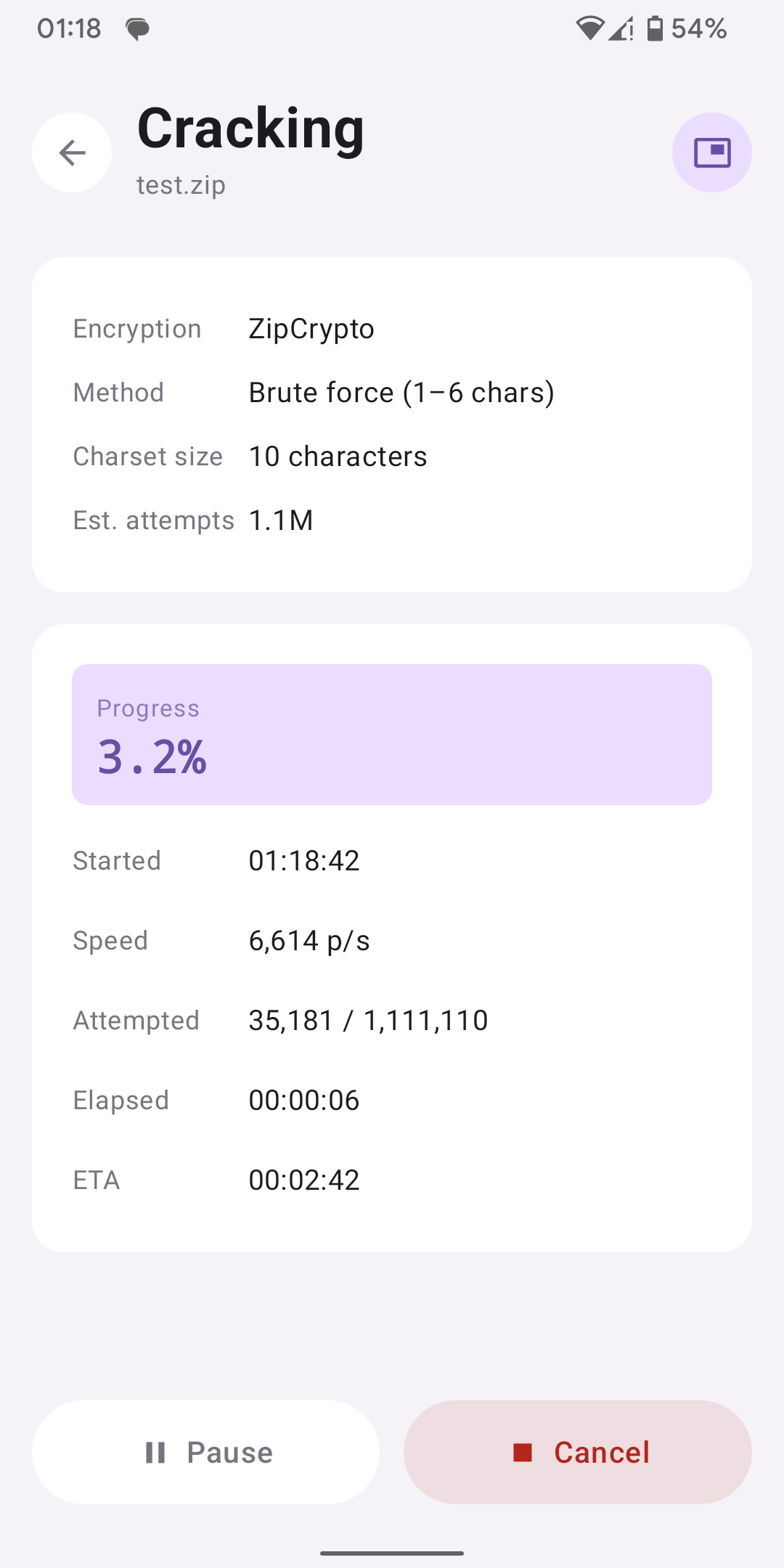
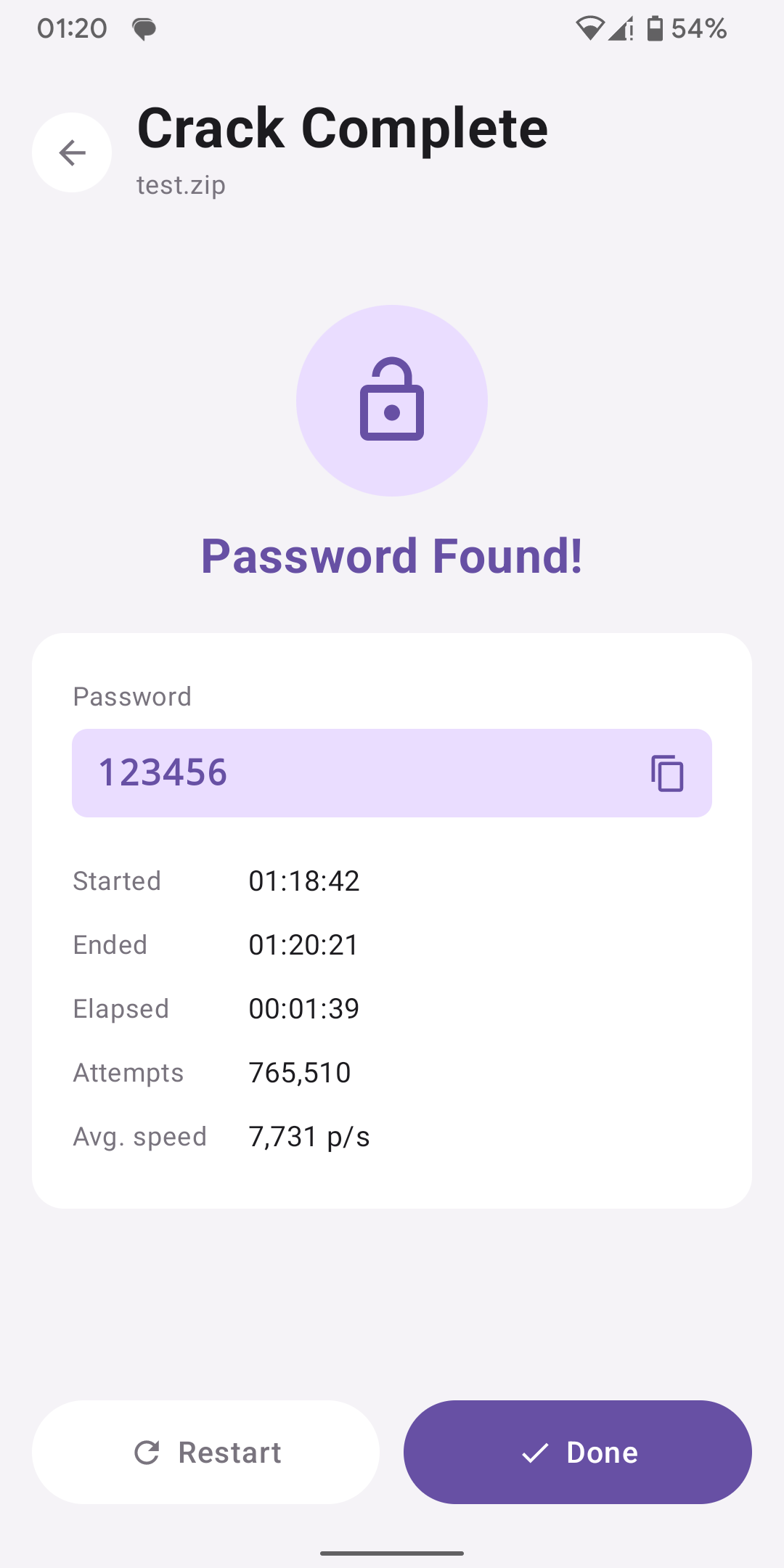
Track speed, attempts and elapsed time in real time — or switch to a floating bubble in the background.
One app for encrypted files you own or are authorized to open.
ZipCrypto & AES
AES-256 archives
RAR 4.x & 5.x
RC4 / AES security
Word, Excel, PPT
Four steps from file selection to password recovery.
Pick an encrypted file and view MD5, SHA-256, format and encryption details.
Dictionary attack with a wordlist, or custom brute-force with your charset.
Watch live progress or switch to the floating bubble in the background.
Free with ads, or unlock instantly via Google Play.
Recovery is free. Choose how to reveal the full password.
$0
$1.90
$19.90
Payments processed by Google Play. Prices may vary by region.